Your iPhone screen,
on your computer
Over your own Wi-Fi. Nothing else in between.
Free on the App Store — iPhone, iOS 16 or later. You also need the free receiver on the computer: Windows and macOS, MIT licensed. No account on either side.
- Local network only
- No cloud
- No accounts
- No tracking
How it works
Three steps, then it just runs
-
1
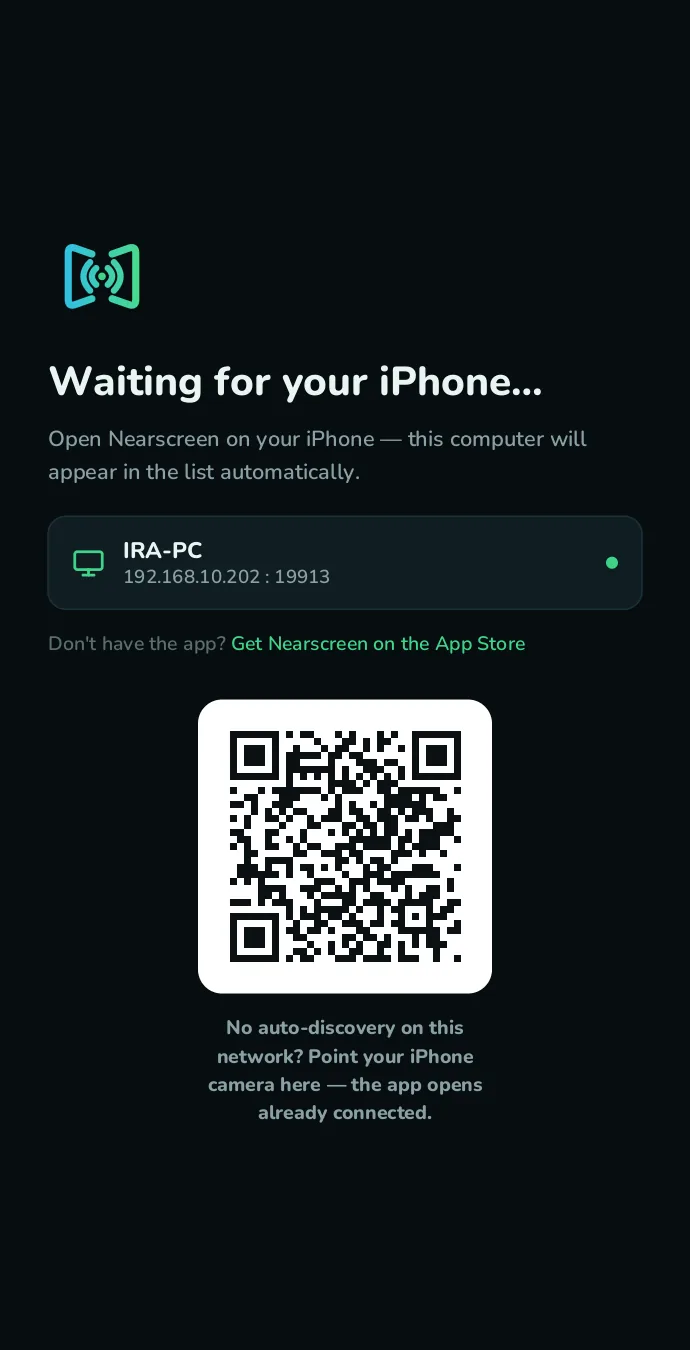
Run the receiver
Run the receiver on your computer.
-
2
See your computer
Open Nearscreen on your iPhone — your computer shows up by name.
-
3
Start broadcast
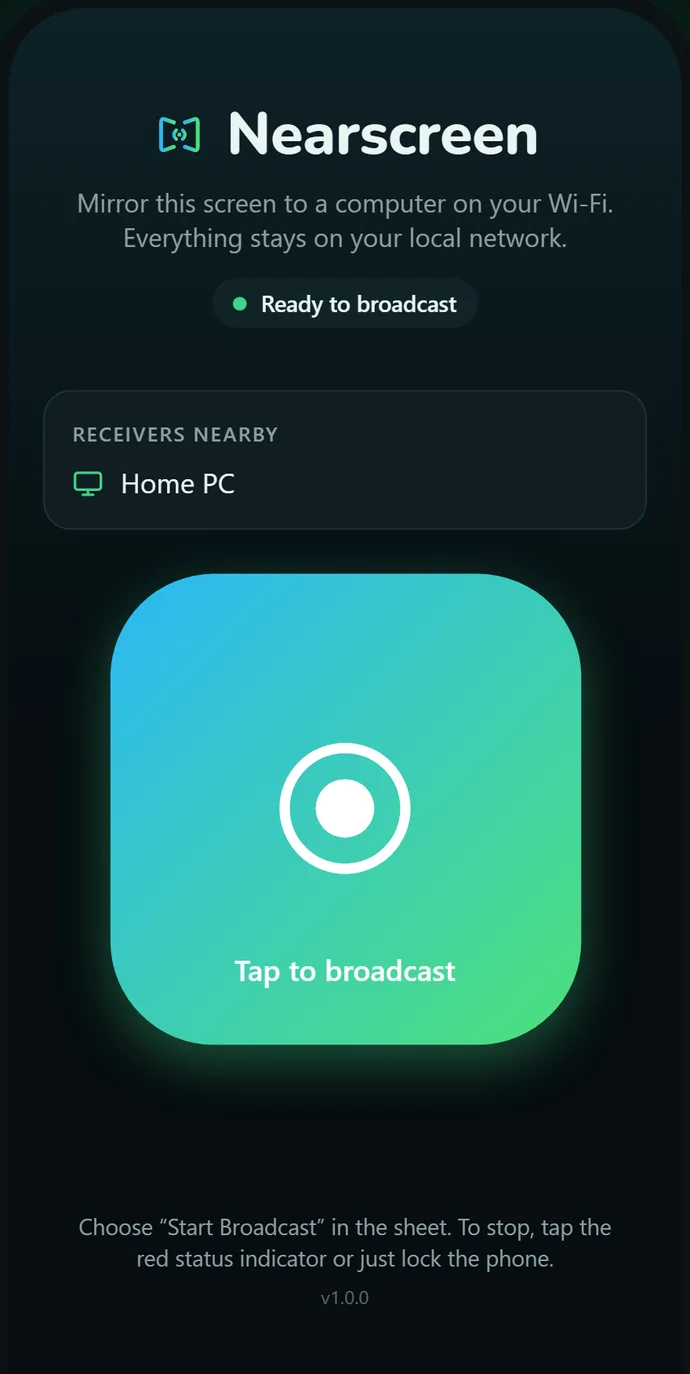
Tap the button, choose “Start Broadcast”.
Real screens
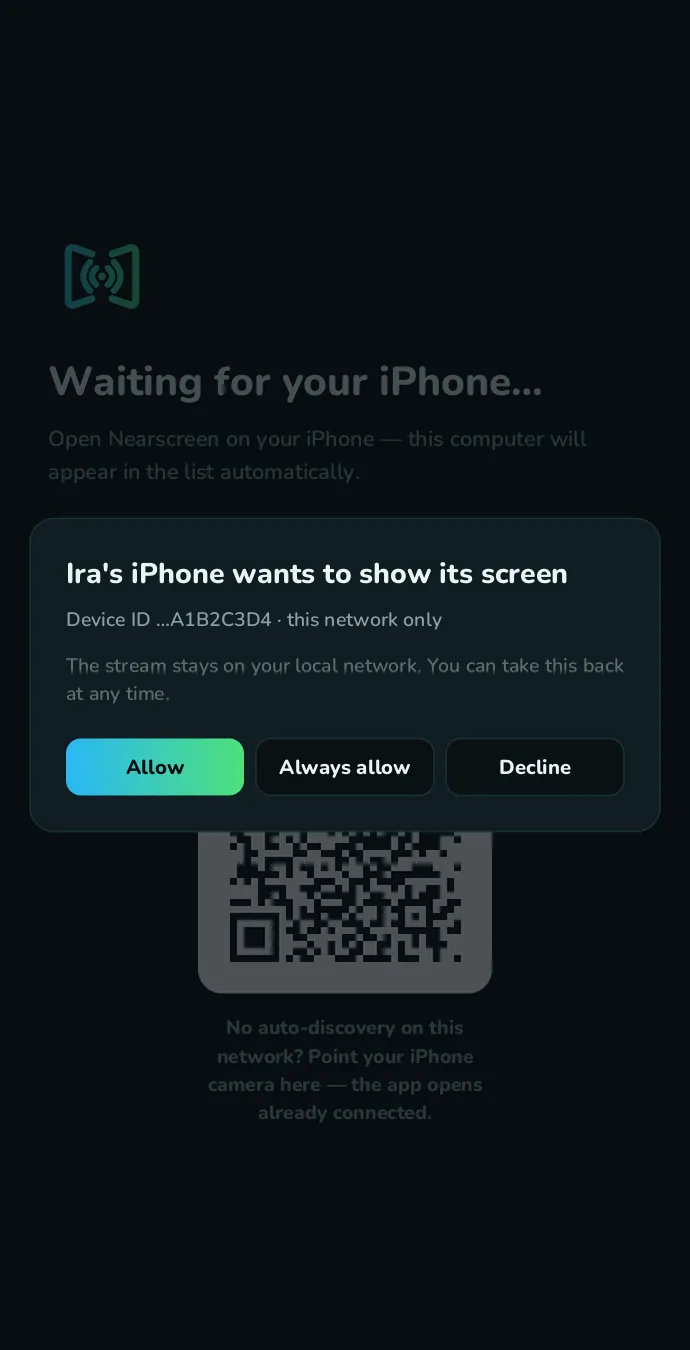
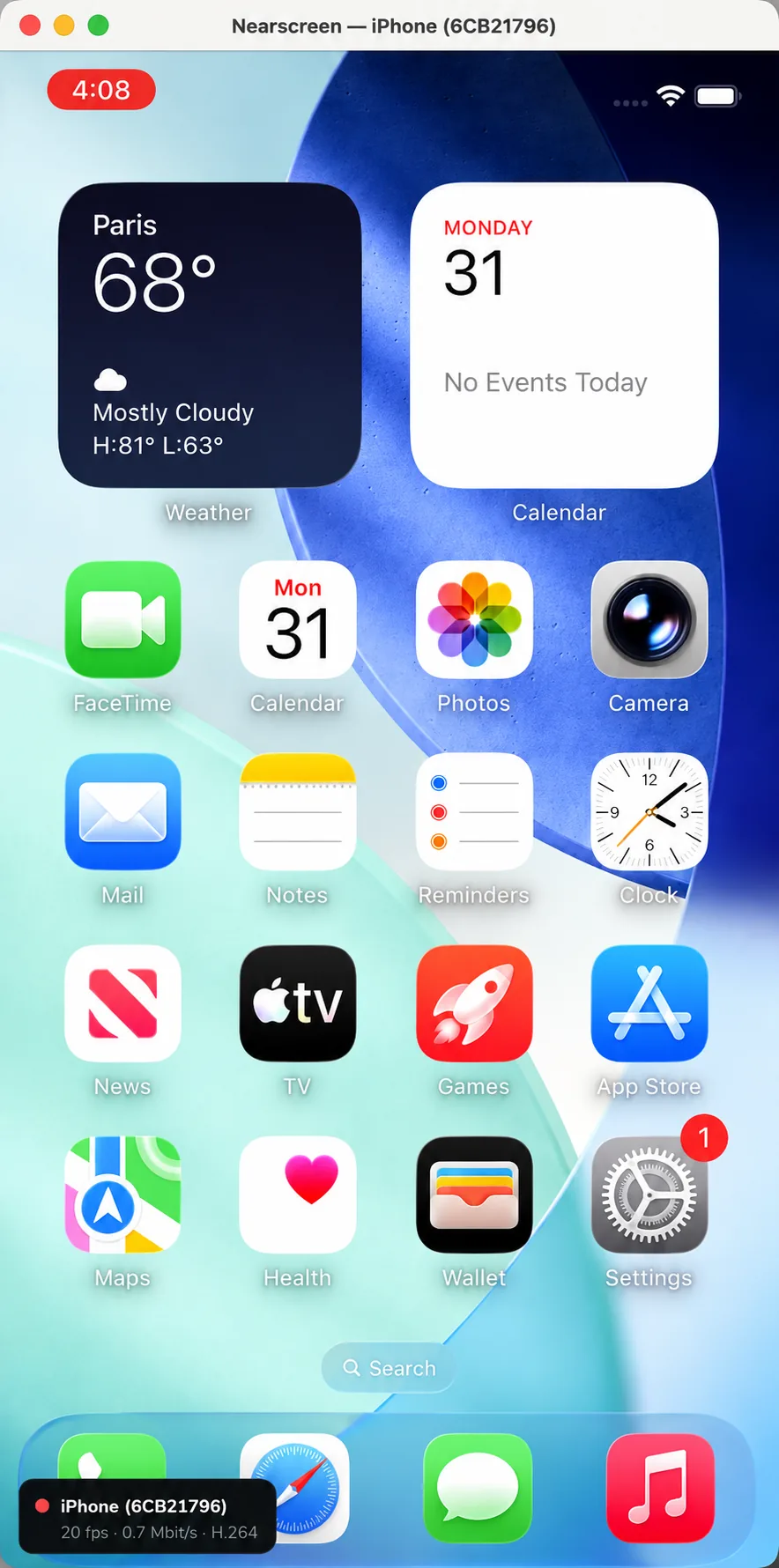
Every screenshot here is the actual app
Privacy
Nothing leaves
your Wi-Fi
No cloud. No accounts. No tracking. Video is streamed only to a receiver on your network — and the receiver is open source, so you don’t have to take our word for it.
View on GitHubYour iPhone talks straight to your computer over the local network. Nothing is relayed.
H.264 on the phone’s own media engine — smooth motion, low battery drain.
MIT-licensed receiver with no outbound connections. Read the code, build it yourself.