 Windows & macOS · free
Nearscreen Receiver
The desktop app your iPhone streams to. It listens on your local network and nowhere else.
Version 0.1.0 · Windows x64 (ZIP, 2.0 MB) · macOS (DMG, 4.2 MB, signed and notarised) · all releases · source
The other half is the phone: Nearscreen for iPhone, free on the App Store.
- Local network only
- No outbound connections
- MIT licensed
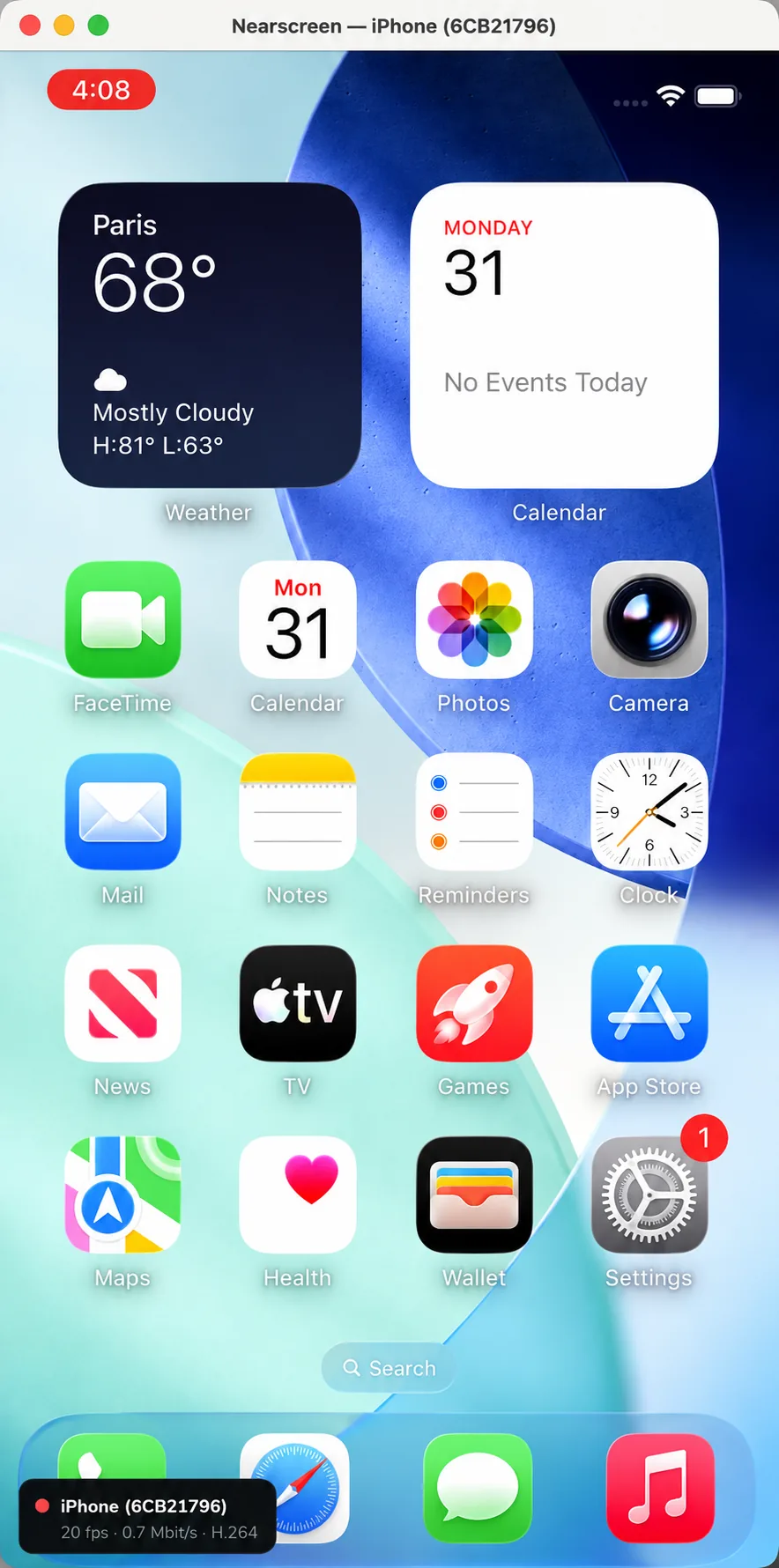
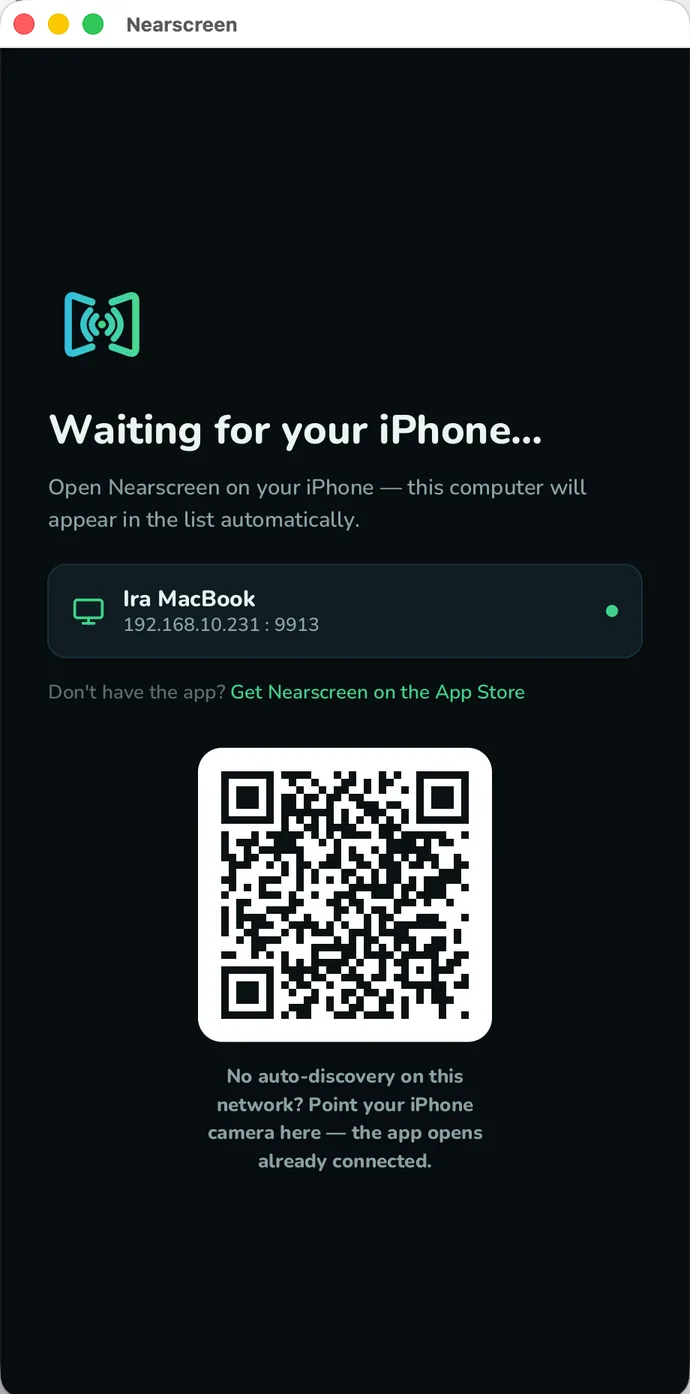
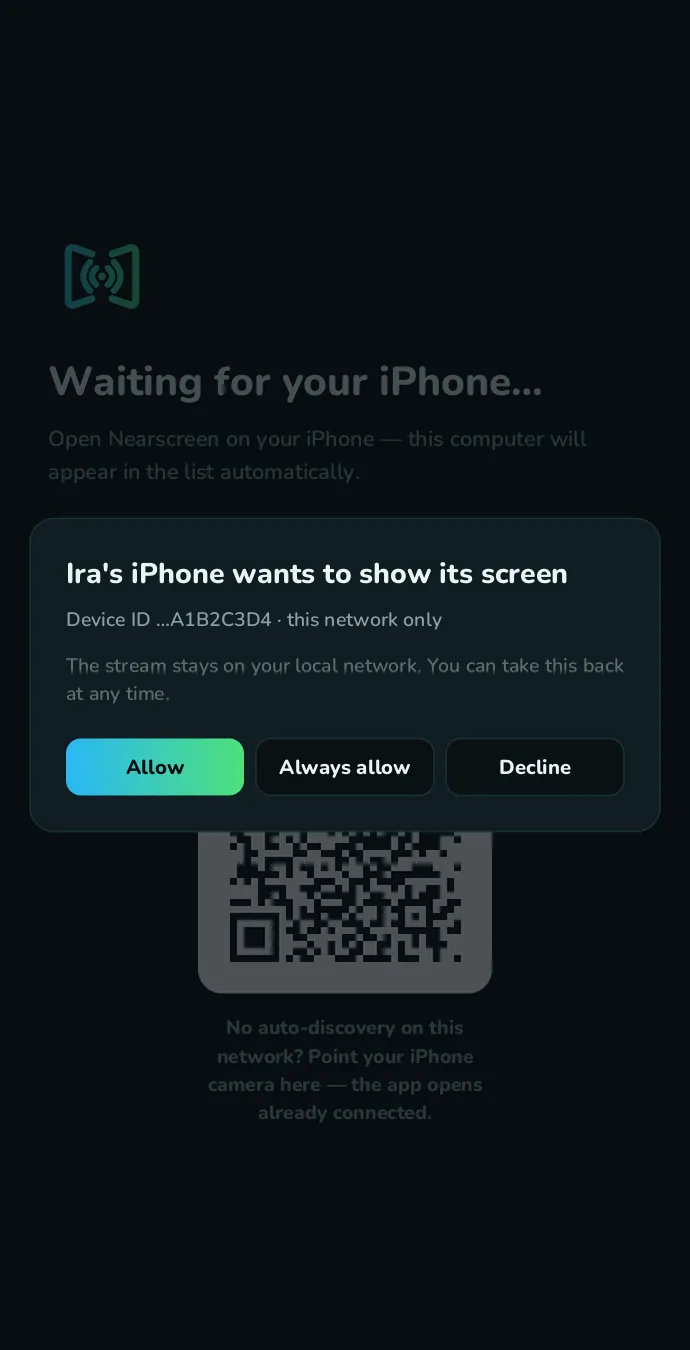
Every state
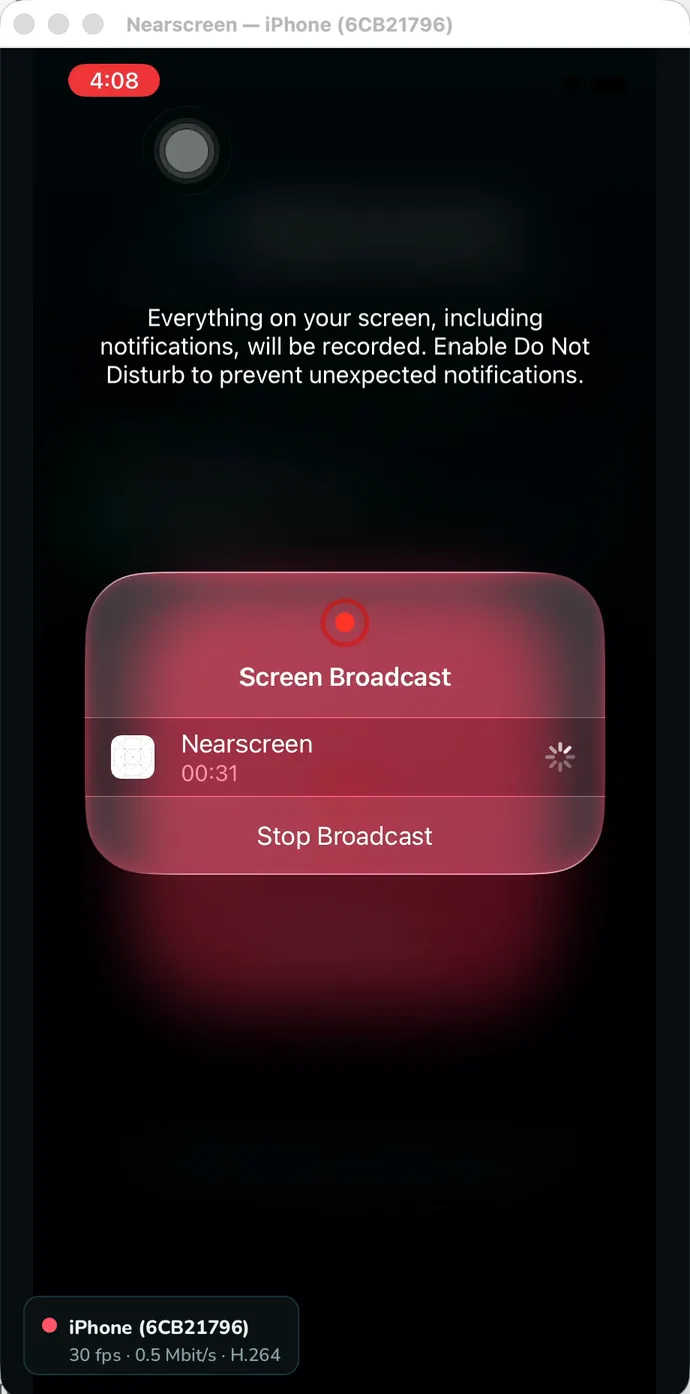
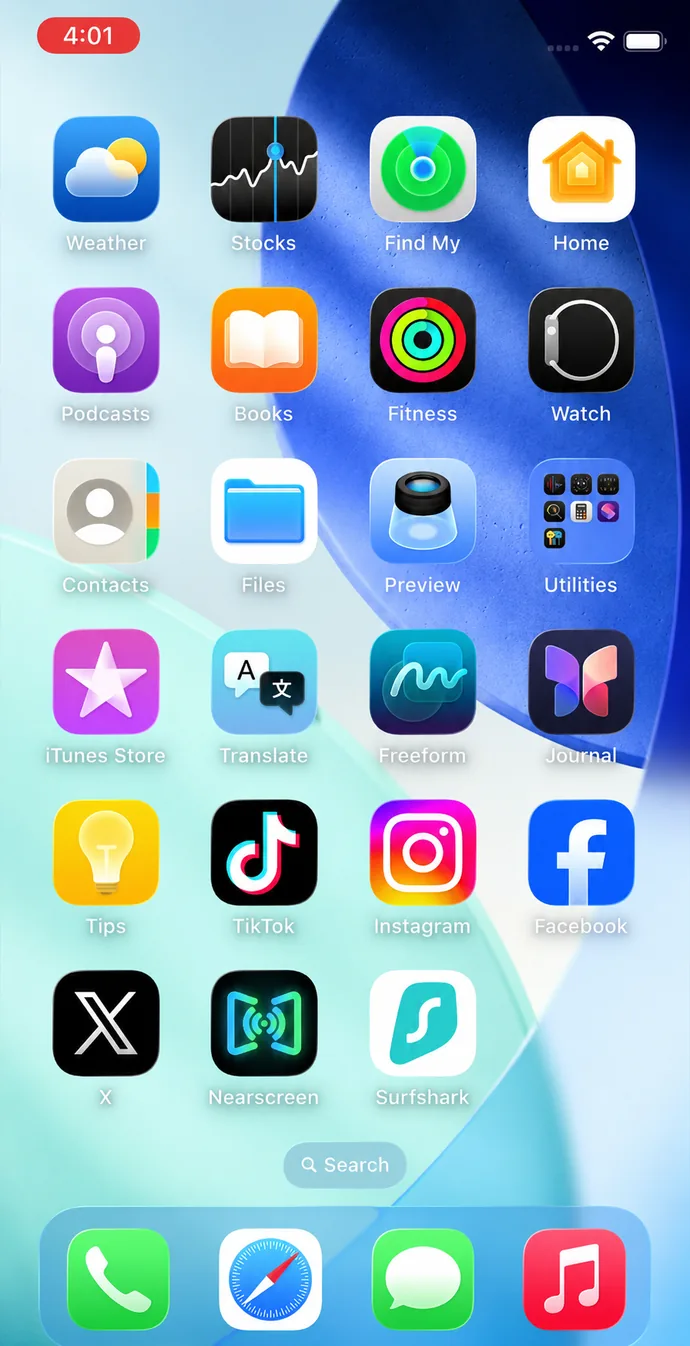
What the receiver looks like
Open source
Open source,
on purpose.
Nearscreen’s whole promise is that your screen never leaves your local network. You don’t have to take our word for it — this receiver is all the code that ever touches your video, and you’re looking at it: github.com/nearscreen/receiver.
First launch
What your computer will ask
Unpack the ZIP and run the receiver. Windows asks once to allow it on your private network — click Allow, or the phone will never find your computer.
The build is not code-signed yet, so SmartScreen may also warn about an unknown publisher. Choose More info → Run anyway.
Open the DMG and drag the app across. It is signed with our Developer ID and notarised by Apple, so a normal double click is all it takes — no Control-click, no warning to dismiss.
macOS asks once for permission to find devices on your local network. Allow it, or the phone will never reach your computer.
cargo build --release on Rust stable. Video is decoded by the operating system — Media Foundation on Windows, VideoToolbox on macOS — with no external media libraries.
The window keeps a stable title — a regular Window Capture just works.
No cloud, no telemetry, no update checks. Grep the source.
The wire protocol is open — third-party receivers are welcome.